
Week 4 & 5: Illustrator
These week, we learnt about new software, Illustrator. Before that I just know illustrator have vector unit that can help decreasing or increasing the size of photos without being blurred or broken.
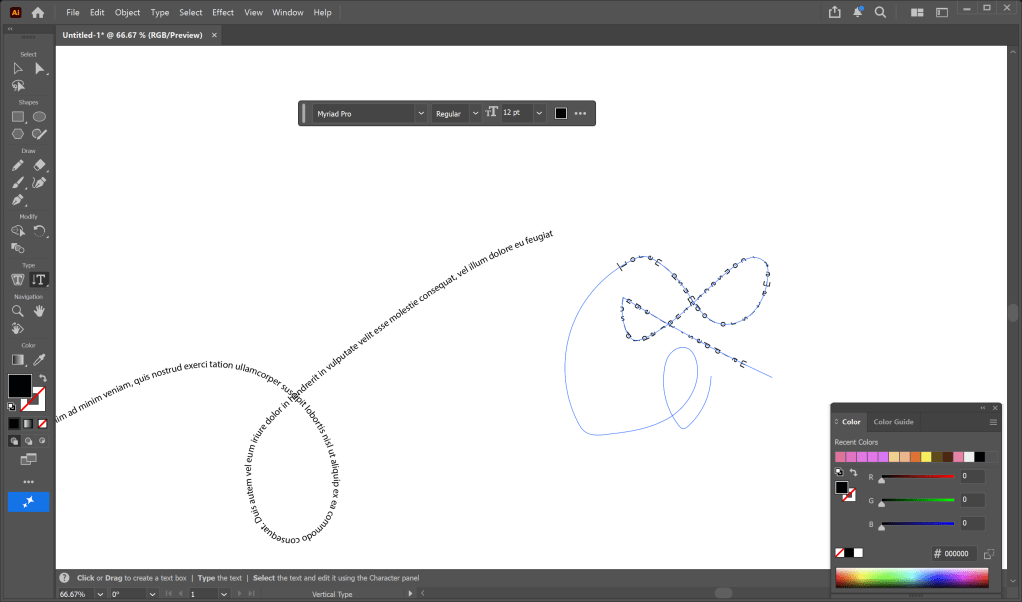
I have learnt to use some basis tools such as pencil tools, text tools. Pencil tools help me draw out the object then I used the text tool to click on the objects i draw and it will help the text show on the objects. Then I learnt how to combine shape together by using shape bulder tool.
After learning new tools in illustrator, we did a practice acitivity which i had create a logo. I create a logo of an landscape architecture studio.
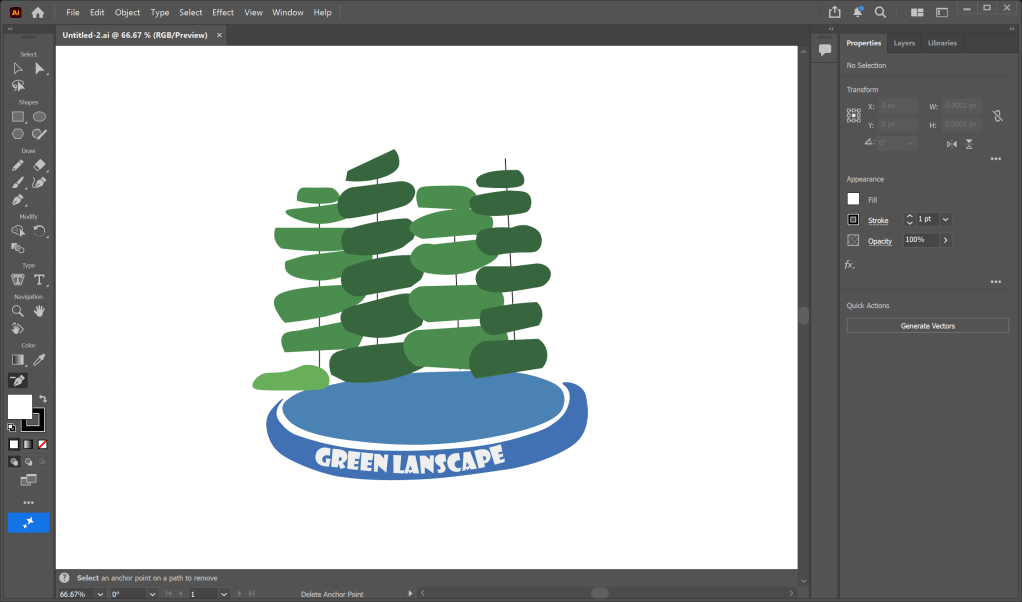
Because most of the landscape studio design the urban and green space, that is why I made 4 trees. The shape of the trees is randomly, because i dont want it look so detailed.
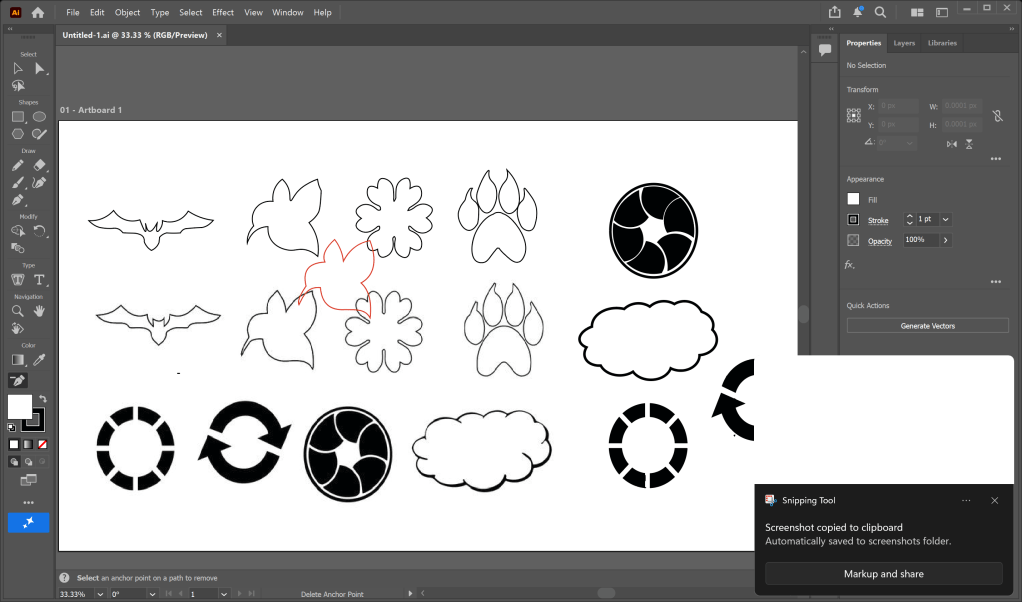
Then we continue praticing with Illustrator with copying some shape by the tools we had learnt before. When praticing, I felt that Illustrator is easier to use than Photoshop because it show less tools and it automatedly seperate the layer for me, so i dont need to care about the layers much.
 Phuong Vi Nguyen