
Week 10 – Digital Portfolio
This week, I edited my portfolio in Indesign, Photoshop and Canva. My portfolio have 24 pages (included front and back cover).
Pages edited in Canva
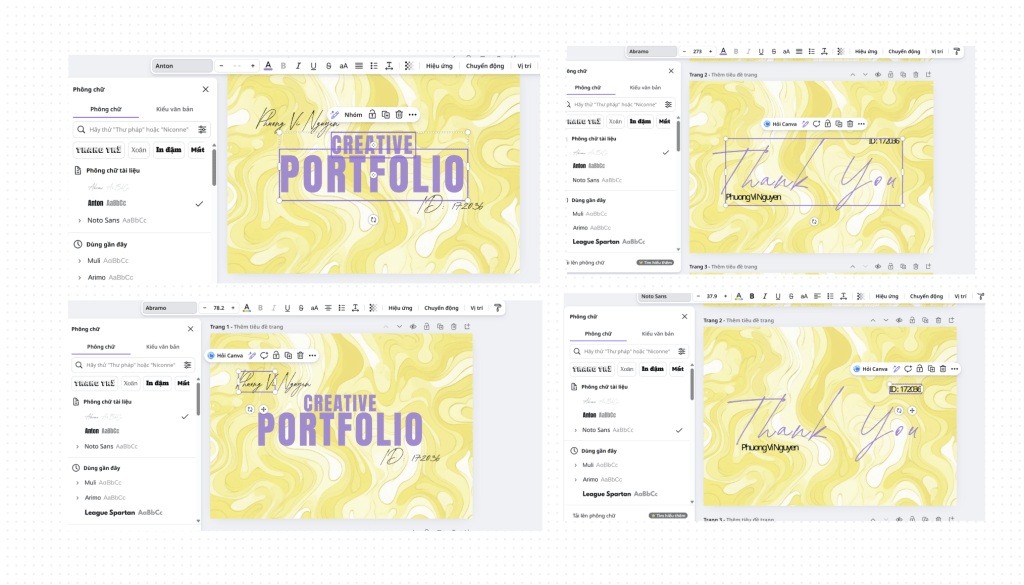
For these pages, I used Canva to edit because Canva has some fonts that Photoshop and Indesign donot have. I used Anton for title “CREATIVE PORTFOLIO”; Abramo for “Phuong Vi Nguyen” (my name), “ID: 172036″(my BCUIC id) in the cover and “Thank You”; Noto Sans for my name and my BCUIC id in the Thank You page.
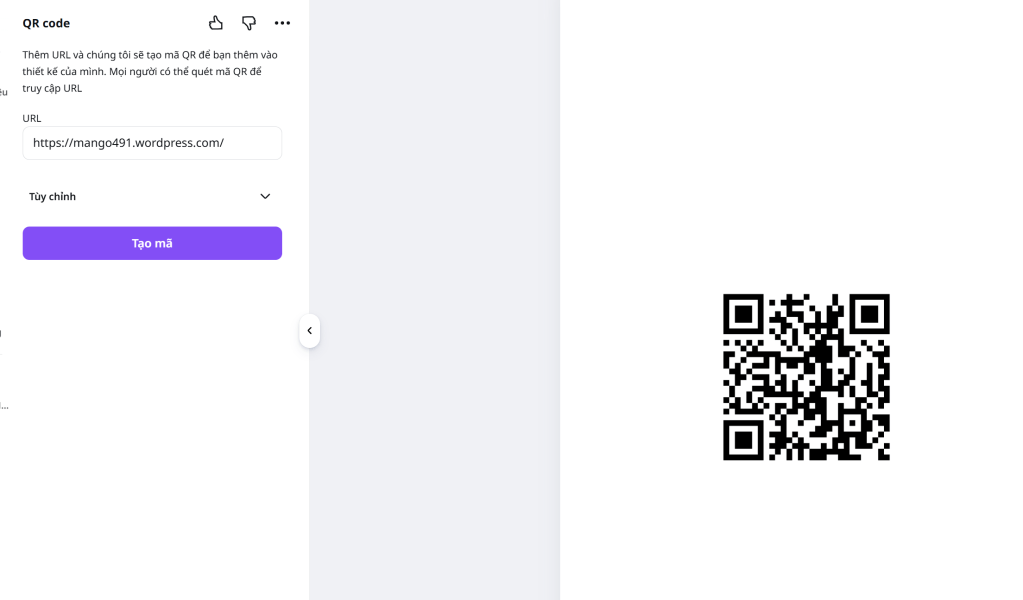
And I used Canva to make QR code for my wordpress, and put the QR code in indesign.
Pages edited in Photoshop
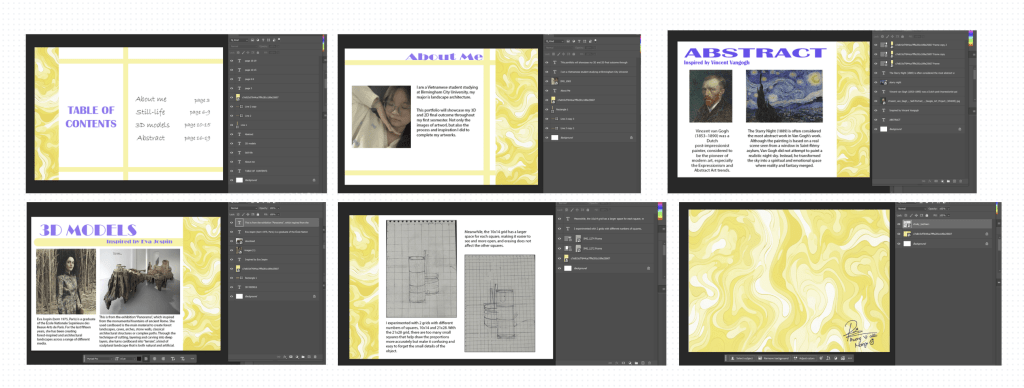
I used Photoshop for these because it is easier to change the color of objects (lines) and text in Photoshop than Indesign. The other pages, I edited directly in Indesign. I also used Photoshop to crop the images in my portfolio.
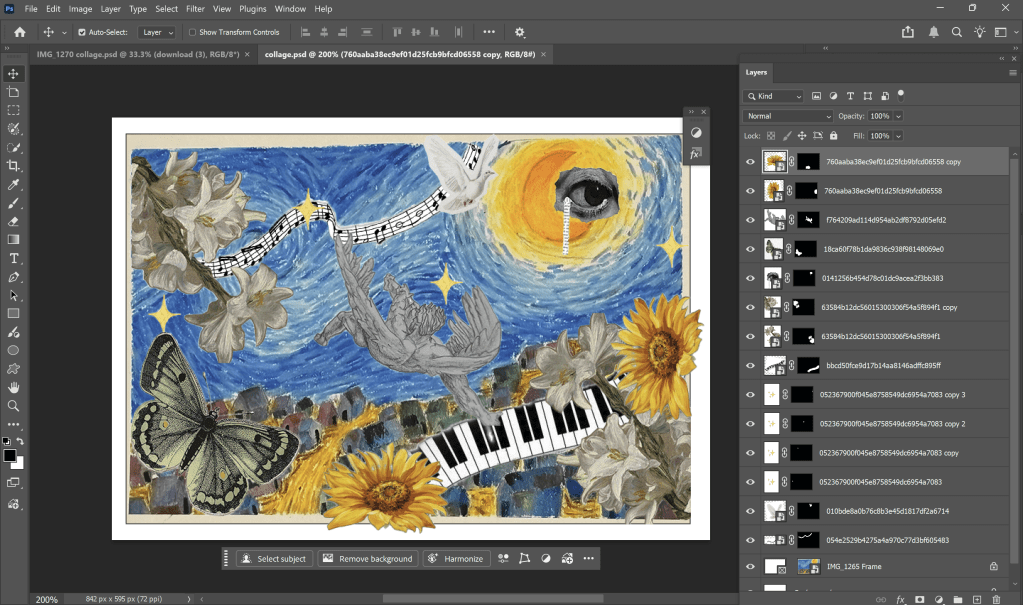
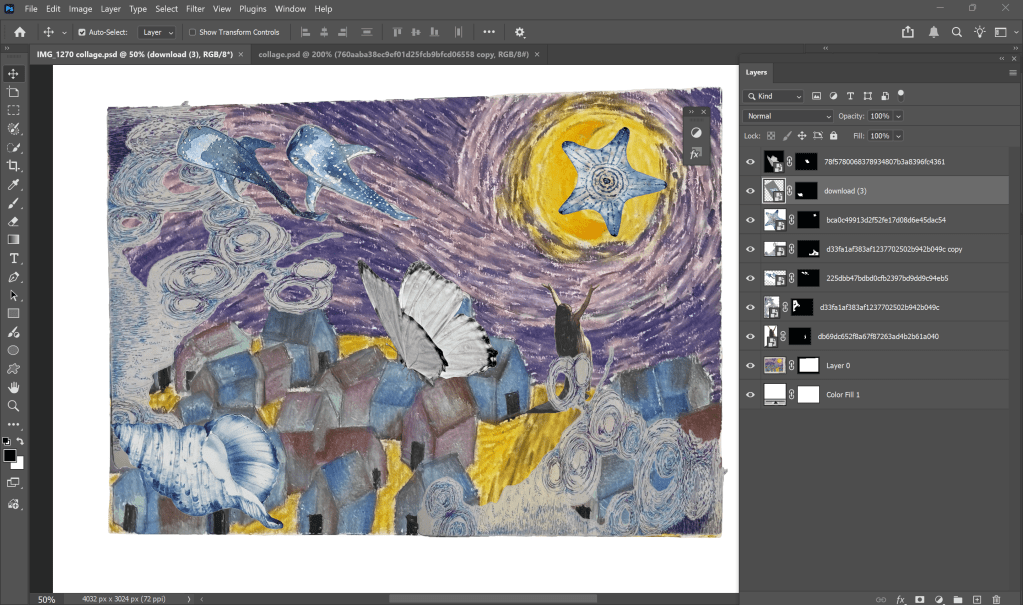
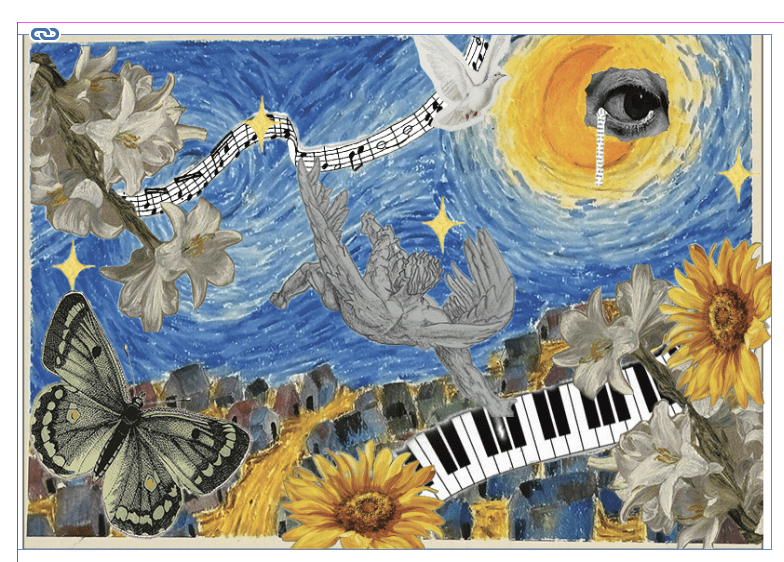
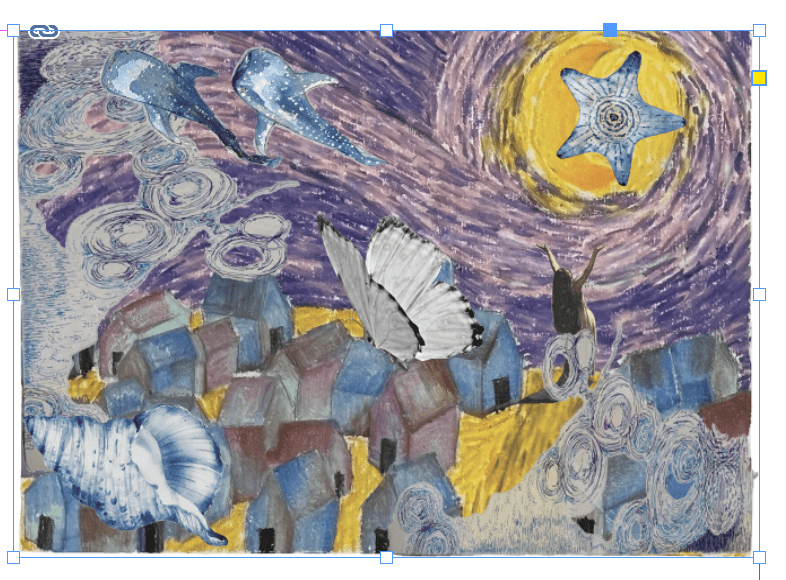
Especially, I added a digital collage in my final outcome. I pick some images in the Internet and remove their background, then I add it in my abstract work.
 Phuong Vi Nguyen